Shopify Black Friday 2026 Checklist: What to Fix Before November 27
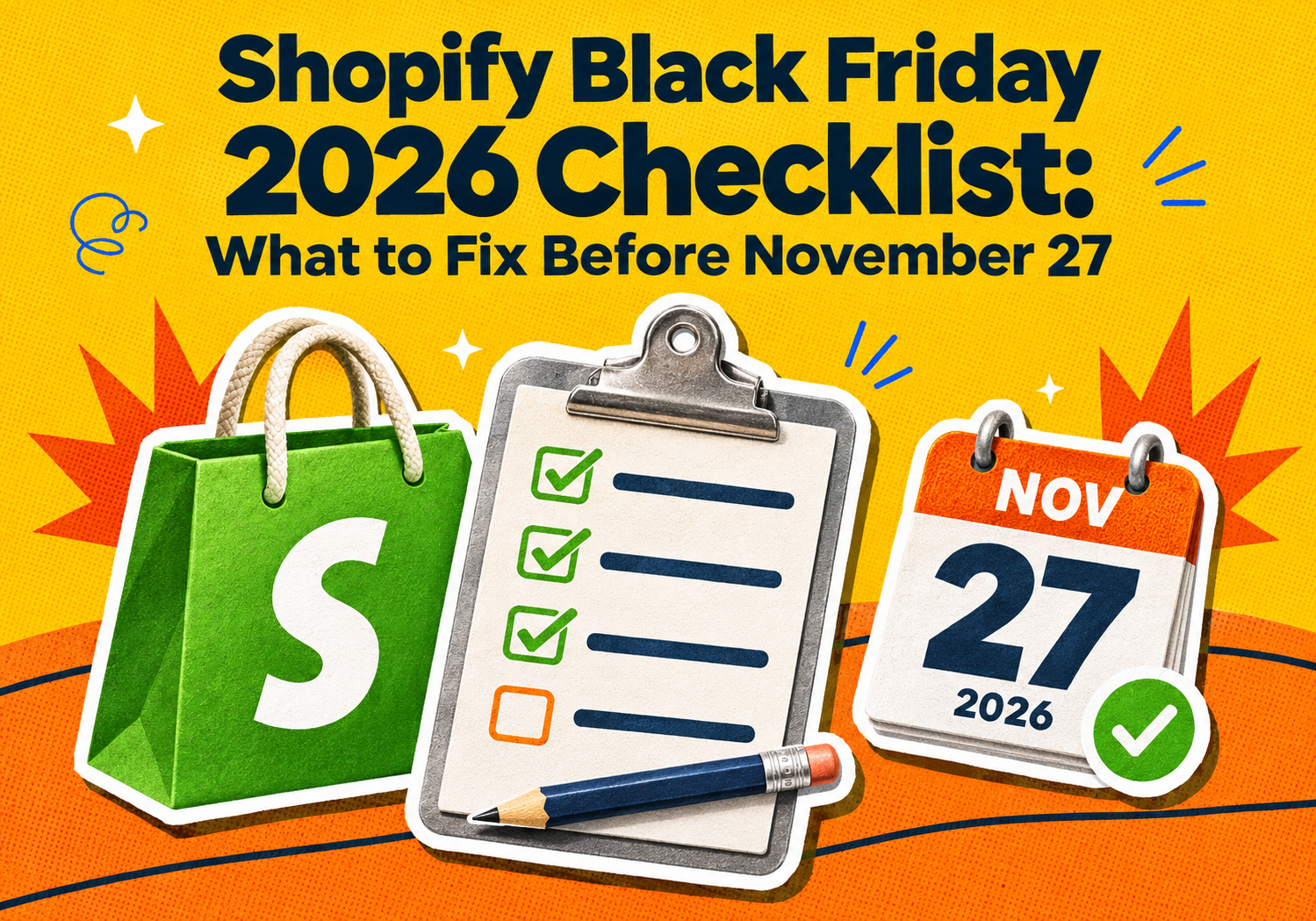
Black Friday lands on Friday, November 27, 2026, and Cyber Monday follows on November 30. If you sell on Shopify, you have less than four weeks to get ready, and this Shopify Black Friday checklist tells you what to fix first. Skip the redesign. Fix the things that quietly cost you orders: slow pages, clunky checkout, missing sale pages and untested apps.
We'll keep this practical. Work through it top to bottom.
What goes on a Shopify Black Friday checklist?
A solid Shopify Black Friday checklist covers six areas: page speed, checkout, inventory and offers, sale landing pages for search, tracking, and a final testing freeze. Do them in that order, because speed and checkout decide whether the traffic you pay for actually turns into orders.
Here's the short version:
1. Test mobile speed and cut heavy apps and scripts.
2. Remove friction from checkout.
3. Lock in stock levels, offers and shipping cut-off dates.
4. Publish sale pages early so search engines can find them.
5. Check your analytics and ad tracking.
6. Freeze changes and run test orders.
When is Black Friday 2026, and how big does the weekend get?
Black Friday 2026 is November 27, the day after Thanksgiving (November 26), and Cyber Monday is November 30. The weekend is huge for Shopify merchants. Shopify reported $14.6 billion in global merchant sales across Black Friday through Cyber Monday in 2025, up 27% from 2024. Sales peaked at $5.1 million per minute at 12:01 PM EST on Black Friday.
That peak matters for a simple reason. Your store doesn't get a gentle ramp. Shoppers arrive in waves, often from ads and emails you sent at the same moment. A slow page or a broken discount code at noon on Friday is expensive.
How fast should your Shopify store load during a sale?
Google's Core Web Vitals give you clear targets. For a page to count as good, Largest Contentful Paint (LCP) should be 2.5 seconds or less, Interaction to Next Paint (INP) should be 200 milliseconds or less, and Cumulative Layout Shift (CLS) should be 0.1 or less, measured at the 75th percentile of page loads.
You don't need to chase a perfect score. You need your home page, your sale collection pages and your top product pages to feel fast on a phone. Try this in order:
- Run your key pages through PageSpeed Insights on mobile and write down the three numbers above.
- Remove apps you installed once and forgot. Each one can add scripts to every page.
- Compress hero banners and product images, and make sure only the images below the fold load lazily.
- Limit pop-ups. A stack of newsletter, discount and chat pop-ups slows pages and annoys buyers.
- Check that sale banners don't push content around as the page loads. That's what hurts CLS.
The same speed work also helps your organic rankings. If you want the bigger picture on how that works, read our guide to organic SEO services.
How do you reduce checkout friction before Black Friday?
Remove every step and surprise that makes a ready buyer stop. The Baymard Institute puts average documented cart abandonment at 70.22%, and its list of reasons reads like a checkout audit: extra costs that were too high (40%), a required account (18%), a long or complicated checkout (17%), website errors or crashes (17%), and too few payment methods (9%).
A quick checkout review for the next week:
- Show the full cost early. Shipping, tax and fees should not first appear on the last step.
- Allow guest checkout. Don't make a buyer create an account at 11 p.m. on a holiday weekend.
- Offer fast payment options. Shopify said 32% of orders over the 2025 weekend used Shop Pay. Wallets like Apple Pay and Google Pay also cut typing on a phone.
- State delivery dates. Say clearly what the last order date is for delivery before Christmas.
- Make returns easy to find. A clear policy link near the buy button builds trust.
Which offers, stock and shipping details should be locked in now?
Decide your offers, stock caps and shipping cut-off dates now, and put them in writing. Last-minute changes are where discount stacking mistakes, oversold items and angry emails come from.
- Pick two or three hero offers instead of discounting the whole catalog.
- Check that discount codes and automatic discounts don't combine in ways you didn't plan.
- Compare your inventory counts with what's on the shelf, especially if you sell on more than one channel.
- Write your shipping cut-off dates in the cart, the footer and your emails.
- Prepare a simple sold-out message and a back-in-stock sign-up.
How do you set up Black Friday pages so Google can find them?
Publish your sale landing page early, give it a clean permanent URL, and link to it from your home page and navigation. Search engines need time to find and understand new pages, so a page that goes live at midnight on Friday has little chance of ranking in time.
A simple Shopify setup that works year after year:
1. Create one sale collection, for example a collection called Black Friday, and keep the same URL every year instead of making a new one.
2. Write a short intro with the offer, the dates and what's included. Use plain words your customers would search for.
3. Give each hero product a clear title, a useful description and descriptive image alt text.
4. Link to the sale page from your home page, menu and key collection pages.
5. After the sale, update the page for what's next rather than deleting it.
Be honest about timing. New pages won't always rank within weeks, so don't rely on search alone for this weekend. Email, ads and social posts fill the gap while organic builds for next year. If you want help with both sides, our digital marketing services cover SEO, content and paid ads together.
What should you test and freeze in the last two weeks?
Stop making big changes about a week before Black Friday, then test the full buying path on a phone and a laptop. A code freeze sounds technical, but it just means no new apps, theme edits or big experiments right before the busiest days.
Your pre-launch test list:
- Place a real test order with a discount code, then refund it.
- Test every payment method you accept.
- Check order confirmation and shipping emails.
- Confirm your analytics and ad pixels are firing once, not twice.
- Confirm someone is on call during the weekend, with a phone number for your developer.
- Take a backup copy of your theme before any final change.
How can 10Native help with your Shopify store before Black Friday?
10Native can audit your store, fix the speed and checkout issues above, build sale landing pages and support your promotions with SEO content and paid ads. We're a Texas-based agency with a production center in Karachi, and our work includes Shopify development and design, e-commerce store builds and digital marketing.
A few honest limits. With under four weeks left, a full rebuild is not realistic, and we'll tell you that up front. The practical wins are a speed clean-up, a checkout review, a strong sale page and tested tracking. We can't guarantee rankings or sales, because search results and shopper behavior aren't ours to promise. What we can do is remove the avoidable problems before the rush.
If you also sell to local customers, our local SEO pages for Austin and Savannah show how we approach location-based search.
Want a second pair of eyes on your Shopify store before November 27? Tell us about your store and we will point out the fixes that matter most.
Talk to 10NativeBlack Friday on Shopify: frequently asked questions
When is Black Friday 2026?
How early should I prepare my Shopify store for Black Friday?
What page speed should a Shopify store aim for?
Why do shoppers abandon carts during sales?
Will a new Black Friday page rank on Google in time?
Should I redesign my Shopify store right before Black Friday?
Can 10Native help me get my Shopify store ready?
Get your store ready this week
Black Friday rewards stores that are fast, clear and tested. You don't need to do everything on this list. Pick speed and checkout first, then the sale page, then the freeze.
Want help? Call 415 489 9314 or 214 758 7971, email info@10native.com, or contact 10Native and tell us about your store.
Black Friday is November 27. Let us help you fix speed, checkout and sale pages before the rush.
Talk to 10Native10Native Team
Building resilient enterprise solutions in AI/ML, Data Engineering, Fintech & Digital Marketing.