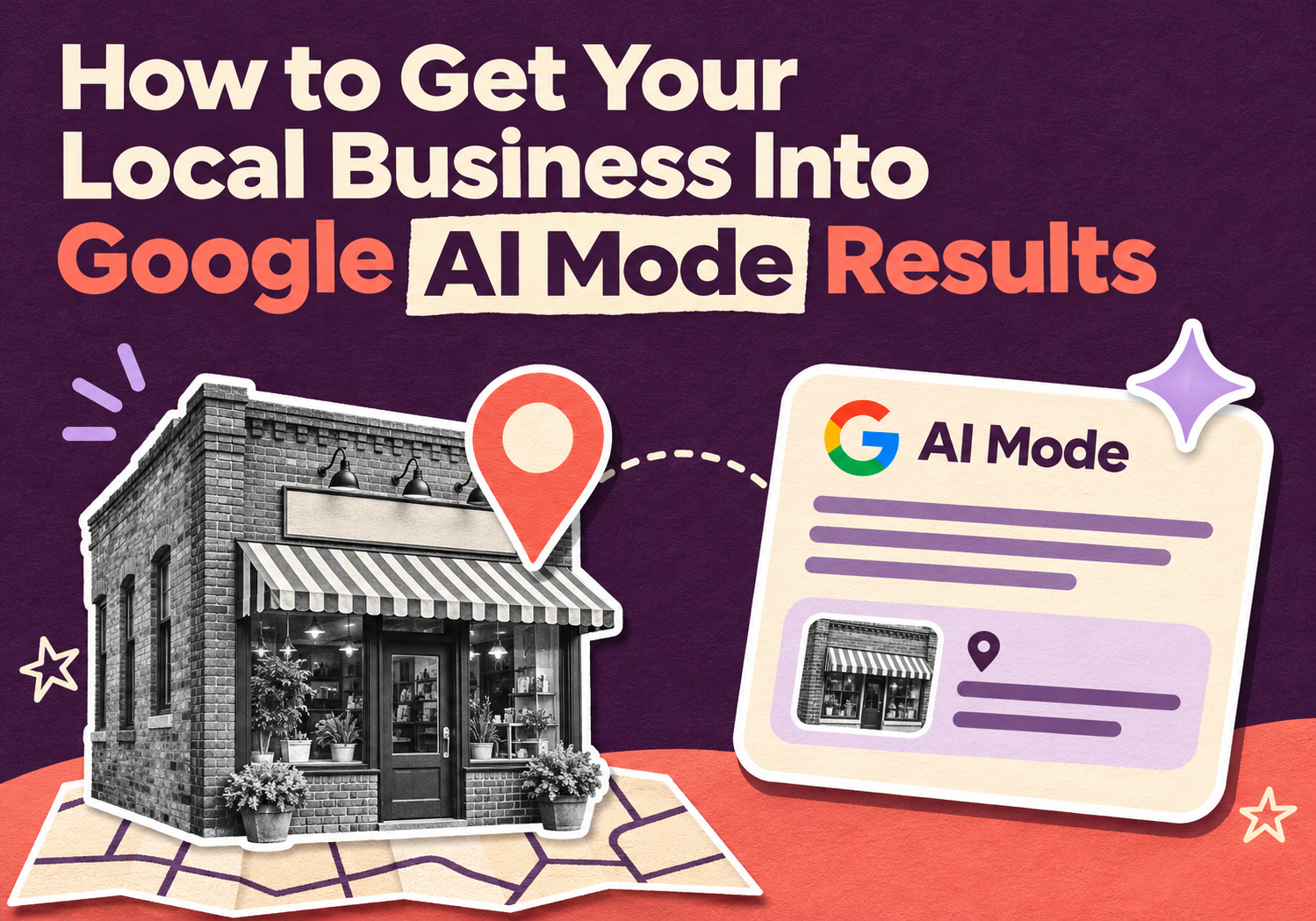
How to Get Your Local Business Into Google AI Mode Results
You search "best AC repair near me" and Google writes an answer instead of listing ten links. Your competitor is named in it. You aren't. That's the new worry for every local business in Google AI Mode, and it's a fair one.
The good news: you don't need a secret trick. Google's own guidance says the same fundamentals that help you rank in regular search apply here. The catch is that those fundamentals now have to be right everywhere, on your website, your Google Business Profile, your reviews and the listings AI tools read. This guide walks through what matters, in order.
What is Google AI Mode, and why does it matter for local businesses?
Google AI Mode is a conversational version of Google Search that answers a question in one written response and lets people keep asking follow-ups. Google launched it in 2025. To build an answer, it runs several related searches at once, a process Google calls query fan-out, then pulls from many pages and data sources.
AI Overviews are the shorter AI summaries that appear above regular results. Both matter for local work. Whitespark's review found AI Overviews showed up for an average of 68% of local searches in Q1 2025. And a Q3 2025 GatherUp survey of more than 1,000 US consumers found 48% had used a conversational AI tool to look up local business information.
In short, people are asking AI who to call. If the answer leaves you out, you lose the lead before they ever see your website.
Do you need special "AI SEO" to show up in Google AI Mode?
No. Google's documentation (last updated December 10, 2025) says there are no additional requirements for AI Overviews or AI Mode beyond being indexed and eligible to show a snippet in Search. You don't need special schema, new files or AI-only markup.
What Google does point to is the usual list:
- Let Google crawl your pages, including through any CDN or hosting layer.
- Link your pages together so content is easy to find.
- Give people a good page experience.
- Keep key information as real text, not buried in images.
- Keep your Business Profile and Merchant Center details current.
Meeting those requirements doesn't guarantee Google will crawl, index or show a page. Nobody can promise you a spot in an AI answer, and be wary of anyone who does.
Is a top Google Maps ranking enough to appear in AI answers?
Not always. Ranking well in the map pack helps, but it doesn't guarantee you'll be named by an AI tool. The SOCi Local Visibility Index 2026 audited more than 2,700 multi-location brands and found the top 20 results for traditional search and AI overlapped by less than 50%. It also found a ChatGPT local recommendation is about 30 times harder to earn than a Local Pack ranking.
A caution on that study: it covered brands with 50 or more locations, so a single-location shop shouldn't read those numbers as its own odds. The direction is still useful. AI tools weigh accuracy, reviews and content together, not just your map position.
An early test by Human Level (late May 2025) also found AI Mode lists could include up to ten businesses, versus the usual three in the Local Pack, and that the usual top three still appeared. Treat that as a snapshot, since the feature keeps changing.
What should a local business fix first? A 7-step checklist
Start with the basics that AI tools and Google both read. Work through these in order.
1. Tighten your Google Business Profile. Pick the right primary and secondary categories, list your services, keep hours current, fill in attributes and add real photos. AI Mode pulls ratings and details from this profile.
2. Make your name, address and phone number match everywhere. Your website, profile and directory listings should say exactly the same thing. Mismatches are how AI tools end up quoting wrong hours or an old address.
3. Build reviews steadily. Volume, star rating, freshness and how often you reply all show up as factors in the SOCi research. Ask happy customers right after the job, and answer every review, good or bad.
4. Write FAQs the way customers talk. Put real questions on your service pages: "How much does a water heater replacement cost in Prosper?" Answer in two plain sentences first, then add detail.
5. Keep your site crawlable and fast. Check that robots.txt isn't blocking pages and that important details are text on the page. Slow, broken or script-heavy pages are harder for everyone to read.
6. Add structured data that matches the page. Google says structured data should match the visible text. Mark up what's already on the page, such as your business details and FAQs. Don't add markup for things a visitor can't see.
7. Earn mentions beyond your own site. Local news, community groups, industry directories and niche sites. In the SOCi data, Google Maps, vertical sites, brand websites, Yelp and Facebook were the most common sources behind local AI answers.
How do you check whether your business appears in Google AI Mode?
Test it yourself, then track it. Search 10 to 15 questions your customers would ask, such as "who fixes roofs near me" or "best dentist in Savannah for kids," on your phone in AI Mode. Write down who gets named, which sources are cited and whether your details are correct.
Expect messy results. Whitespark's guide describes two people getting very different AI Mode answers for the same search from the same place, and gives an example where AI Mode wrongly said a restaurant allowed dogs. So check your own facts every few weeks. If you find something wrong, fix the source it came from, usually your profile or a listing.
For numbers, Google says AI Overviews and AI Mode traffic counts toward your Search Console Performance data under the Web search type. It isn't broken out on its own there, so watch overall impressions, clicks and your top queries rather than hunting for a separate AI line.
What does this look like for an Austin, Dallas or Savannah business?
Picture a family dentist in Austin. A parent asks AI Mode for a dentist who takes kids and has Saturday hours. If the practice's profile lists Saturday hours, its site has a page on pediatric visits that answers common questions, and recent reviews mention the same things, the pieces line up. If the hours differ between Google and the website, the AI has to guess. (This is an illustration, not a client result.)
The same logic holds in Dallas, Prosper, Savannah or Warner Robins. Local detail wins: neighborhoods, service areas, real photos, named staff and honest answers. Our guides on local SEO in Austin and local SEO in Savannah cover the city-level basics, and our post on organic SEO services in the USA explains the wider foundation AI answers still build on.
How can 10Native help your business show up in AI search?
We're a Texas-based digital agency with offices in Prosper, Texas and Warner Robins, Georgia, and a production center in Karachi, Pakistan. For this exact problem, we can:
- Audit your Google Business Profile, listings and reviews for gaps and mismatches.
- Fix website basics: speed, crawlability and clean structured data on WordPress or Shopify.
- Write local service pages and FAQ content built to be quoted, as part of our SEO, AEO and GEO content work.
- Set up local SEO and ongoing digital marketing so reviews and listings stay healthy.
Our limits: we can't control what Google or ChatGPT chooses to say, and we won't promise rankings or AI mentions. We can make sure your business is easy to find, easy to trust and accurate wherever machines read about you. Reviews still have to come from your real customers.
Frequently asked questions
How do I get my local business to show up in Google AI Mode?
Is AI Mode different from AI Overviews?
Do I need special schema markup to appear in AI answers?
Will ranking in the Google Maps pack guarantee an AI mention?
Can I track AI Mode traffic in Search Console?
What if AI shows wrong information about my business?
Can 10Native guarantee my business will appear in Google AI Mode?
Ready to check how your business shows up?
Want a clear read on how your business appears in Google search and AI answers? Our team can review your profile, listings and site and tell you what to fix first.
Talk to 10NativeCall us at 415 489 9314 or 214 758 7971, or email info@10native.com. You can also contact us here.
10Native Team
Building resilient enterprise solutions in AI/ML, Data Engineering, Fintech & Digital Marketing.