How to Protect Your Business AI Accounts and API Keys
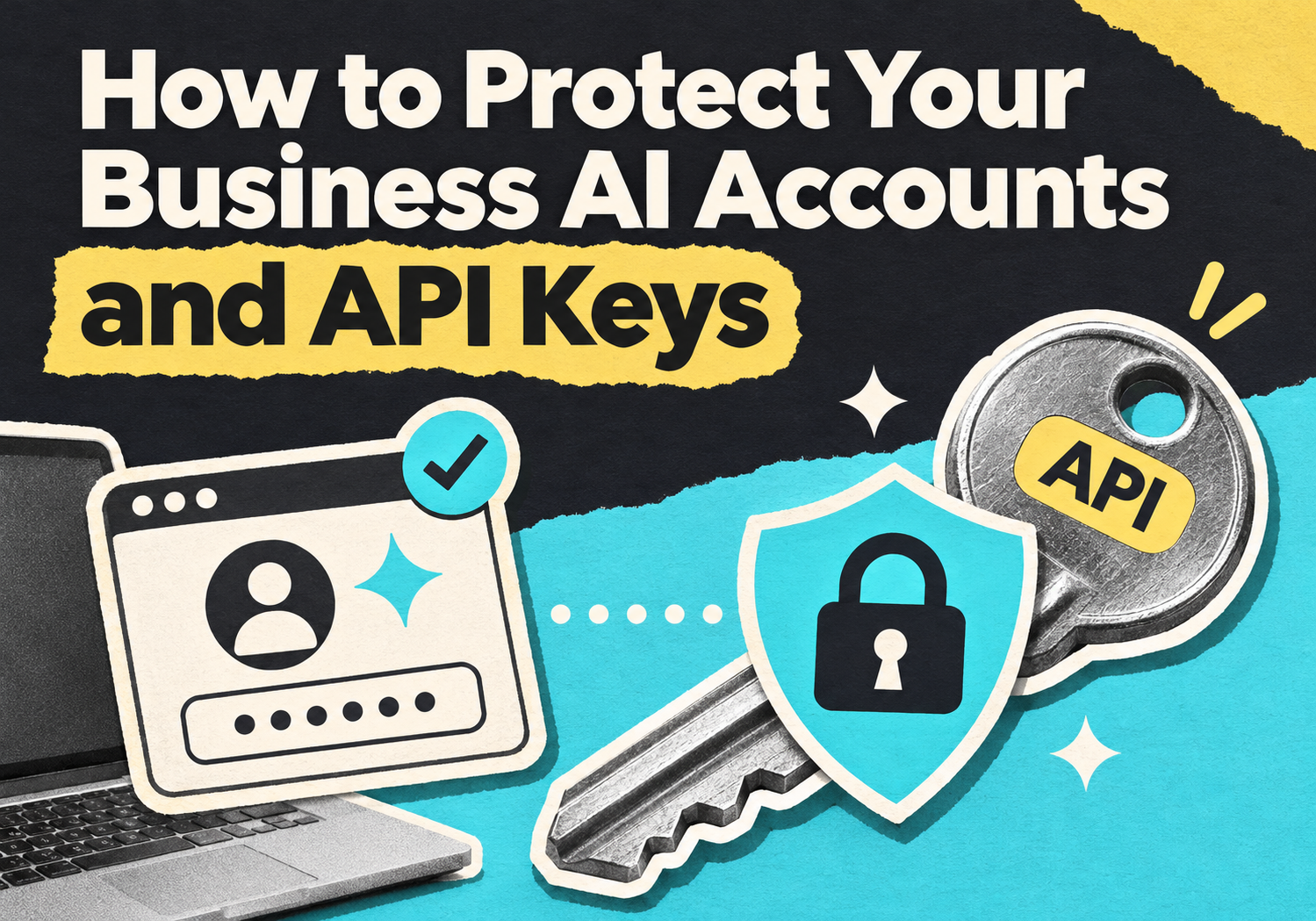
If your business uses AI tools, there is a new kind of theft to know about. Criminals steal AI access keys, resell the access, and leave the victim with the bill. In early November 2026, Google's threat teams warned that some victims were charged more than $100,000 in a single day. This guide shows you how to protect your business AI accounts and API keys in plain steps. It also covers what to do when your AI tools simply stop working, which happened more than once this month.
What is LLMjacking, and why should a small business care?
LLMjacking is when someone hijacks your access to an AI service and uses it for their own work while you pay for it. Google's Threat Intelligence Group and Mandiant studied cases where charges passed $100,000 in one day. At some organizations the total reached about $1 million before access was cut off (BleepingComputer, Nov 3, 2026).
Let's be honest about scale. The cases Google described involve cloud AI accounts and API keys, mostly at larger organizations. If you only use a chat app with a password, your exposure is smaller. But if your website, store, or software calls an AI service in the background, you have an API key. A key without a spending limit works like a credit card with no ceiling.
The stolen access doesn't sit idle. Google's report describes criminals reselling it to other people, so one group steals the access and another profits from using it.
How do criminals get hold of AI keys?
Mostly through ordinary mistakes, not movie-style hacking. The reports point to routes like these:
- Keys left in public code. Exposed keys and tokens in code repositories are an easy find, which is why Google's advice includes scanning your repositories for them.
- Stolen cloud credentials. In one case, one group got in and another took the stolen credentials and used them.
- Exposed AI services. AI gateways and related services left open to the internet are a target.
- Unpatched AI gateway software. Google linked one incident to a flaw (CVE-2026-40217) in LiteLLM, a popular tool that routes requests to AI models. Sources describe the flaw in slightly different ways, but they agree it is worth patching.
Attackers also test a stolen key with tiny requests first, sometimes a single token, which can stay under normal usage alerts (CSO Online, Nov 3, 2026).
How do you protect your business AI accounts and API keys?
Treat every AI key like the password to your bank account. Here are seven steps, in the order we would do them:
1. List every AI tool and where its key lives. Check website plugins, automations, scripts and staff laptops. Look for tools nobody approved, too.
2. Set a spending limit and a billing alert on every AI account. Hard spending caps are one of the defenses recommended after these incidents. A cap turns a $100,000 day into a small annoyance.
3. Keep keys out of code, chat and screenshots. Store them in a secrets manager or your host's environment settings, never in a public repository.
4. Give each key one job. Use one key per tool, limited to the models and tasks it needs. If one leaks, you switch off that key and nothing else breaks.
5. Turn on phishing-resistant MFA. Use passkeys or hardware keys, not text-message codes, on your cloud, GitHub and AI admin accounts.
6. Rotate keys and delete old ones. When a contractor leaves or a project ends, remove its keys. If a key was ever exposed, replace it.
7. Turn on usage logs and patch the plumbing. Logs show who used what and when. Update any AI gateway or routing software, such as LiteLLM, as soon as fixes appear.
Spotted a strange bill? Revoke the key first. Then check for accounts or keys you did not create, change passwords, and contact the provider's support.
What happens to your business when an AI tool goes down?
Your AI tools will go down sometimes, so plan for it. Two recent examples were not cyberattacks:
- Nov 12 to 13: a Microsoft 365 outage hit Outlook, Teams and Copilot for thousands of US users. It also broke the connectors that OpenAI's and Anthropic's AI services use to reach Microsoft accounts. Reports attributed it to a network gateway software defect and capacity problems.
- Nov 15: AWS had authentication and connectivity problems in its US-East-1 region.
Notice what happened in the first case: a problem at one vendor reached AI tools that depend on it. If an alert asks you to sign in during an outage, go to the provider's status page yourself instead of clicking a link in an email.
A simple outage plan takes an hour to write:
1. Name the tasks that stall when AI is down, such as customer replies, order notes or ad copy.
2. Write a two-line manual fallback for each one.
3. Never let one AI vendor sit alone between a customer and your checkout or lead form. Keep a plain backup form.
4. Check the vendor's status page before you assume the problem is on your side.
How much freedom should an AI agent have?
Give an AI agent the least access and the least freedom that still gets the job done. An agent is software that takes actions on its own, like sending emails, issuing refunds or editing your store. Entrepreneur reported in July 2026 that owners now oversee agents the way they would oversee staff, and that errors can spread fast if nobody catches them early (Entrepreneur).
Our suggestions, which are not a legal or industry standard:
- Give each agent its own identity and only the access it needs.
- Use short-lived credentials that rotate, and keep secrets out of prompts.
- Require human approval for destructive, financial, legal or irreversible actions.
- Log tool calls and approvals so you can review what happened.
- Keep a kill switch that can stop an agent fast.
A good rule: start every agent in recommend-only mode, and promote it to act alone only after you have checked its work for a while. Our earlier post on AI agents for small business: 7 safety rules goes deeper.
How can 10Native help you set up AI safely?
10Native is a Texas LLC headquartered in Prosper, with a sub-office in Warner Robins, Georgia and a production center in Karachi, Pakistan. Our AI and machine learning services cover practical automation and AI features for business, backed by data engineering and enterprise technology work. For the problems in this post, we can:
- Review where your AI keys, automations and plugins live, and flag the risky ones.
- Set up scoped keys, spending caps and billing alerts.
- Design agent workflows with a human approval step for money, deletions and customer messages.
- Build usage reporting so a cost spike shows up quickly.
- Write the one-page outage fallback for your team.
Our limits matter too. We cannot promise that an attack will never happen. If you think a key is already stolen, revoke it and call your provider first, and bring in a security specialist if customer data may be involved. We can help with the cleanup and rebuild after that. If you are new to AI, start with our guide to where small businesses should begin with AI.
Not sure where your AI keys are, or who can see them? We will walk through your setup with you and tell you what to fix first.
Talk to 10NativeWhere should you start this week?
Do three things before Friday: set a spending cap on every AI account, delete any key you no longer use, and write down what you would do if your main AI tool went offline tomorrow. Those three steps cover most of what the November reports warn about.
Want a second pair of eyes? Call 10Native at 415 489 9314 or 214 758 7971, email info@10native.com, or use the contact page.
10Native Team
Building resilient enterprise solutions in AI/ML, Data Engineering, Fintech & Digital Marketing.