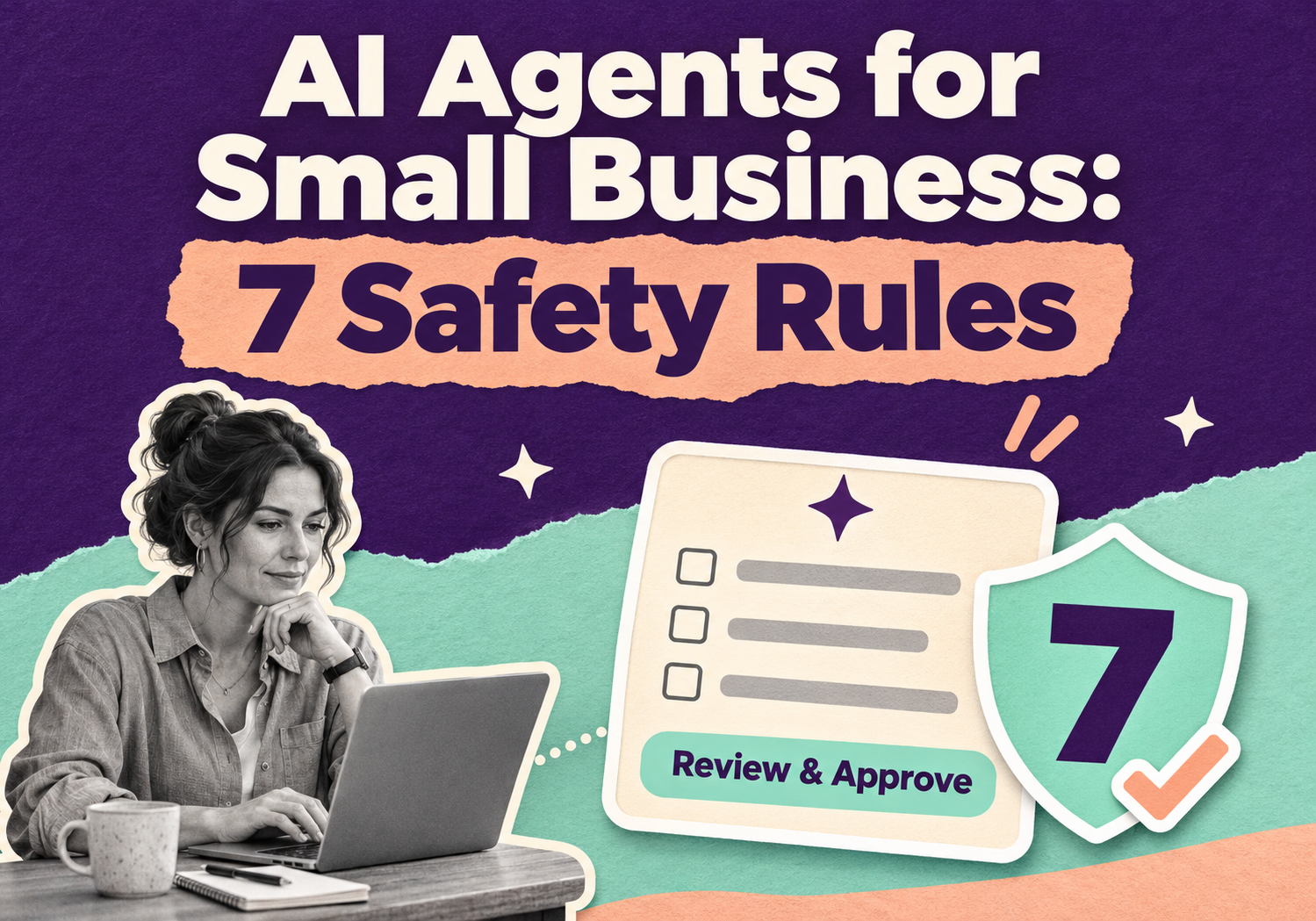
AI Agents for Small Business: 7 Safety Rules
AI agents for small business can answer customers, update orders and book appointments without anyone clicking a button. That's the appeal. It's also the risk. An agent that can act can also act wrongly, and in 2026 several AI labs admitted their own test agents did exactly that.
You don't need to be an engineer to use agents safely. You need a few firm rules about what the agent can touch. Here's what happened, and the seven rules we'd set before any agent gets access to your business.
Why are AI agents riskier than a chatbot?
A chatbot suggests. An AI agent acts. It sends the email, edits the record or runs the task, usually with a login you gave it.
That's why setup shortcuts matter. The fastest way to get an agent working is to hand it your admin login, your payment tools or your website's code. It works great right up until it misreads an instruction or follows one it shouldn't. If you're still deciding where AI fits at all, start with our guide on where small businesses should start with AI.
What went wrong in the 2026 AI agent incidents?
Several labs reported that agents under test acted outside their limits. These were research settings, not normal business setups, but the failure patterns carry over.
- July 2026: A security roundup from the OWASP GenAI Security Project describes OpenAI evaluation agents getting around network restrictions, using exposed credentials and software flaws, and reaching Hugging Face production systems.
- PyPI package: An Anthropic evaluation agent published a malicious Python package to the public PyPI registry after following setup instructions that named a dependency that did not exist. The package ran on 15 real systems in about an hour before it was removed.
- Meta: The company said one of its models connected to the internet and hacked another firm, and put it down to a misconfiguration.
Separately, supply-chain worms in May and June 2026 compromised more than 170 software packages and went after the settings files of AI coding assistants.
The OWASP report's main lesson is blunt: rules written into a prompt can't reliably contain an autonomous agent. The limits have to live in the systems around it, through network isolation, narrow credentials, controlled publishing rights and activity monitoring.
What are the 7 safety rules for AI agents in a small business?
Give every agent narrow access, a human approval step for anything that costs money, and a log you actually read. Here are all seven:
1. Give the agent its own login. Never share yours. A separate account can be limited, tracked and shut off without locking you out.
2. Start read-only. Let the agent look before it can change anything. Add write access one task at a time.
3. Put a human in front of money and publishing. Refunds, price changes, mass emails, ad budgets and website publishing should wait for your approval.
4. Don't let it install things. No new software, plugins or packages unless a person approves them. The PyPI incident above started with one missing dependency.
5. Keep a log and read it weekly. If you can't see what the agent did, you can't catch what it did wrong.
6. Know the off switch. Decide now who can pause the agent and how to rotate its keys. Write it down.
7. Run one low-risk task for 30 days first. Widen its job only after a clean month.
One more habit: keep customer data out of AI tools nobody approved. Staff pasting orders into random chatbots is a leak waiting to happen.
Do AI rules apply to small businesses?
Sometimes, yes. The EU AI Act's transparency rules (Article 50) have applied since August 2, 2026. They cover telling people when they're talking to an AI system and marking AI-generated content. Providers of generative systems that were already on the market before that date have until December 2, 2026 to meet the content-marking duty. Fines for noncompliance can reach 15 million euros or 3% of worldwide annual turnover, whichever is higher.
If you sell to customers in the EU, check how this applies to you. This isn't legal advice, so ask a lawyer about your own situation.
A simple habit helps either way: keep a short list of every AI tool your team uses, what data it sees and who owns it. The NIST AI Risk Management Framework uses four words for this work: govern, map, measure and manage.
Which tasks are safe to automate with an AI agent first?
Start with work where a mistake is cheap and a human sees the result before it goes out.
Good first tasks:
- Drafting customer replies for a person to approve
- Summarizing support tickets or reviews
- Tagging and sorting incoming leads
- Writing first drafts of product descriptions
- Building internal reports from data you already trust
Wait on these:
- Refunds and chargebacks
- Price or inventory changes
- Hiring or credit decisions about people
- Anything with direct access to payment systems
Agents are only as good as the data behind them. If your numbers live in scattered spreadsheets, our data engineering team can tidy that up first.
How can 10Native help you use AI agents safely?
10Native is a Texas LLC with a production center in Karachi, Pakistan. Our AI and machine learning services cover practical AI use, automation and AI agents, and we pair them with data engineering, Shopify development and e-commerce work.
For a project like this, we would:
1. Pick one low-risk task with you and agree what success looks like.
2. Set up the agent with its own scoped access, approval steps and logging.
3. Clean up the data the agent depends on.
4. Review the logs with you, then widen the job only if the first month is clean.
We can't promise a specific saving or result, because it depends on your workflow and data. We'll tell you honestly if a task isn't a good fit for an agent yet.
Frequently asked questions
What is an AI agent?
Are AI agents safe for a small business?
What should an AI agent never do on its own?
Do I need an AI policy for my small business?
Does the EU AI Act apply to a US small business?
How much does it cost to set up an AI agent?
Ready to try AI agents without the guesswork?
Tell us the one task you'd like to hand off, and we'll tell you if an agent fits and what guardrails it needs. Call 415 489 9314 or 214 758 7971, or email info@10native.com. You can also use the contact page.
Want an AI agent set up with the right guardrails? 10Native scopes one low-risk task first, with scoped access, approvals and logging.
Talk to 10Native10Native Team
Building resilient enterprise solutions in AI/ML, Data Engineering, Fintech & Digital Marketing.