Why AI Projects Fail: Bad Data Eats the Budget
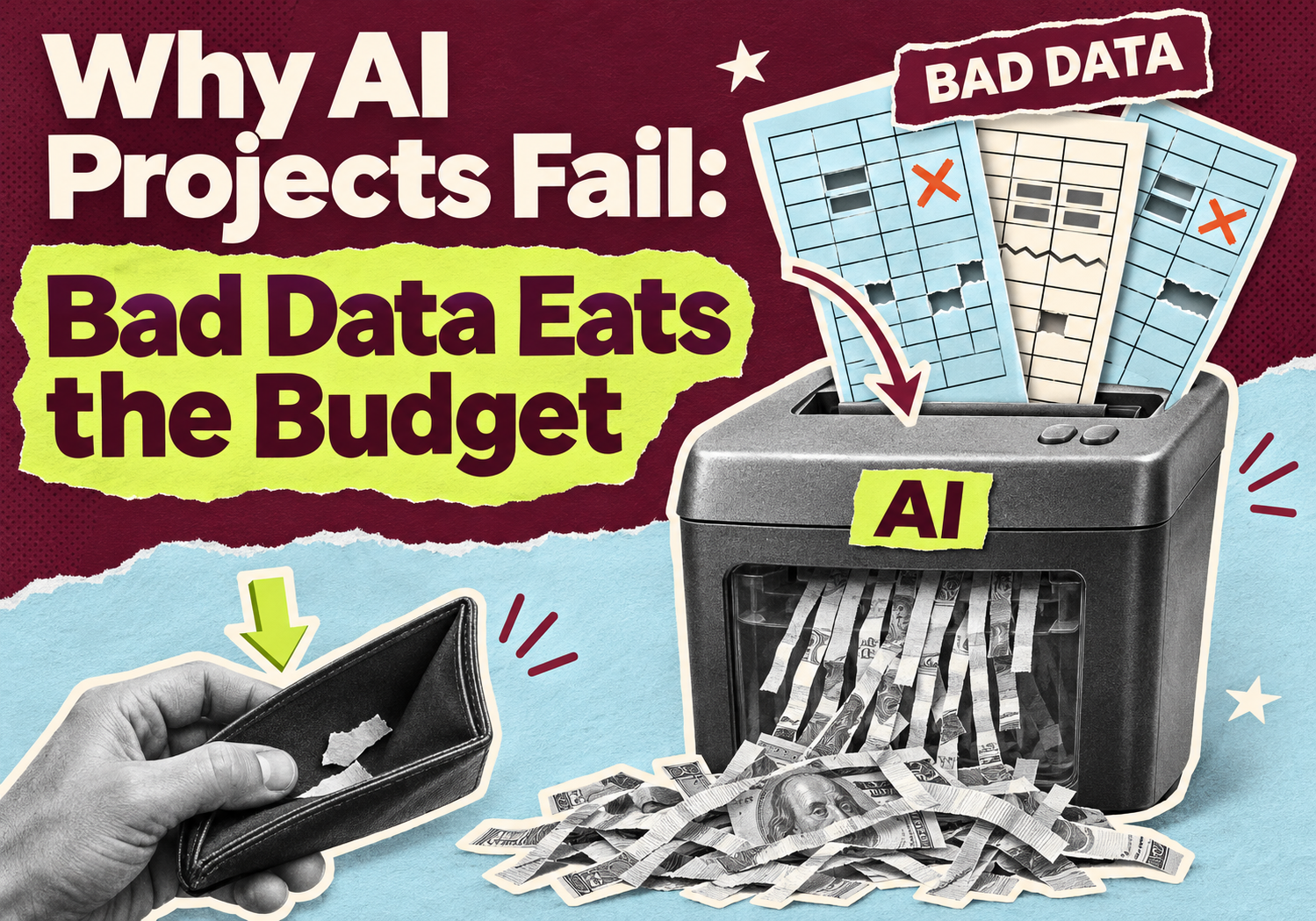
Most AI projects don't stall because the model is weak. They stall because the data feeding it is messy, scattered or out of date. A Fivetran survey published on November 12, 2026 put a number on it: 39% of companies say at least a quarter of their AI budget goes to fixing data problems instead of building anything new. If you're asking why AI projects fail, start there.
One caution before we go on. Fivetran sells data-movement software, and the survey covers 500 senior IT, data and AI decision-makers, mostly at larger companies. Your business is probably smaller. The pattern still holds at any size: the data work you skip up front comes back later as rework.
Why do AI projects fail because of bad data?
AI tools only know what you give them. If customer, order and inventory records live in five places and don't match, the AI either gets things wrong or someone spends weeks cleaning the data first. Either way, the budget goes to repair work instead of results.
Here's what Fivetran's survey found:
- 39% of companies spend at least 25% of their AI budget on avoidable data work. 84% spend at least 10%. Only 16% keep it under 10%.
- 58% say their technical teams spend at least a quarter of their AI time on avoidable work such as fixing data, reprocessing it, retraining models and rebuilding integrations.
- Companies losing a quarter or more of their AI budget this way are 5 times as likely to report significant project delays.
- 62% of companies losing under 10% said their AI returns beat expectations. Among companies losing half or more, it was 40%.
Fivetran calls this hidden cost the AI tax.
What is the AI tax, in plain English?
The AI tax is the money and hours you spend redoing data work that never should have been needed. It isn't a line on any invoice, which is the problem.
For a small business it looks like this:
- Re-exporting the same CSV every week because nobody trusts last week's file
- Merging duplicate customers by hand before every campaign or report
- Fixing a connection when an app renames a field
- Re-prompting or retraining an AI tool after the numbers underneath it changed
Only 38% of the survey's respondents track the full cost of AI-related data work in one place. Everyone else pays it in small pieces across projects and teams, so it never shows up as one big number.
Where does the bad data come from?
Usually from the same five places. Check your own setup against this list:
1. Records that disagree. The same customer or product has different details in your store, your accounting tool, your CRM and your ad platform.
2. Spreadsheets as the source of truth. Anyone can edit them, nobody can audit them, and the latest version lives in someone's inbox.
3. One-off connections. In the survey, 53% of companies relying on custom integrations spent at least a quarter of their AI budget on data problems, compared with 40% of those using standardized approaches.
4. Stale data. The AI answers a question about today using last month's export.
5. No owner. Nobody is responsible for what counts as a customer, an order or a refund, so every report defines it differently.
AI use is also growing fast among smaller firms. A Coupler.io report, covered by Solutions Review, says active AI data usage grew sevenfold among its agency and small-business accounts between September 2025 and September 2026. That's one vendor's customer base, not the whole market, but it shows how quickly more data is being pointed at AI tools.
How do you check if your data is ready for AI?
Run a one-month check on a single use case. You don't need a consultant for this.
1. Pick one use case. For example: answering order-status questions, forecasting stock, or summarizing ad performance.
2. List every source it needs. Store, inventory sheet, accounting, ad accounts, support inbox.
3. Compare 20 records across those sources. Pick 20 real customers or products and check whether the details agree. If many don't, stop here and fix the data before buying more AI tools.
4. Trace how data moves. Is it automated, or does a person export and paste it?
5. Name an owner. One person decides what the key terms mean and who can change them.
6. Log cleanup hours for a month. Write down every hour spent fixing, merging or re-exporting. That's your own AI tax, and now you can see it.
What should you fix first?
Fix the foundation before the tool. In order:
- Agree on definitions. One written meaning for customer, order, refund and active user.
- Automate the two or three feeds that matter most. Replace manual exports with scheduled, monitored transfers.
- Add basic quality checks. Row counts, duplicate checks, missing-field alerts and a freshness check on each feed.
- Move off spreadsheets when several systems need combining. That usually means a managed database or a cloud data warehouse. A tiny business with one system may not need either yet.
You're not alone in this order of priorities. When Fivetran asked where extra AI money would go next year, 31% said the data foundation, ahead of talent (17%) and AI models (16%). Our guide to data engineering best practices covers the building blocks in more detail, and AI for small business: where to start helps you pick the first use case.
How can 10Native help with your data and AI setup?
10Native is a Texas LLC headquartered in Prosper, with a sub-office in Warner Robins, Georgia, and a production center in Karachi, Pakistan. Our data engineering work covers data pipelines, warehouses, analytics and reporting, and data quality. Our AI and machine learning team builds on top of that foundation.
A practical first step is to take one use case, map the sources behind it, and tell you what needs fixing before an AI tool will behave. We'll also be straight with you if a simpler fix is enough. We can't promise a specific saving or result, because it depends on how your data looks today.
Not sure if your data is ready for AI? Tell us the one use case you have in mind and we will map what needs fixing first.
Talk to 10NativeReady to stop paying the AI tax?
Call us at 415 489 9314 or 214 758 7971, or email info@10native.com. Tell us which tool or report you want to rely on, and which systems it needs data from.
10Native Team
Building resilient enterprise solutions in AI/ML, Data Engineering, Fintech & Digital Marketing.